ENGAGE & GATHER > MY SIGNATURE
Send, Sign and Track Documents Electronically
Designed for flexibility and transparency, My Signature helps streamline your document workflows with intuitive tools, expanded file support, and enhanced visibility
Features
HubSync’s My Signature feature makes it simple for firms and clients to send, sign, and track documents electronically.
- Seamless Engagement Letter Signing
- Smart Document Upload & Prior-Year Auto-Fill
- Tax Return Approval & e-Signature
SIGN ENGAGEMENT LETTERS IN ONE SECURE PLATFORM
Seamless Engagement Letter Signing
Send, sign, and manage engagement letters in one secure platform. Clients sign electronically in seconds, and firms gain instant visibility and tracking—no printing, scanning, or chasing signatures.
In-Organizer Signing
Clients review and e-sign letters without leaving the Tax Organizer interface
Instant Status Updates
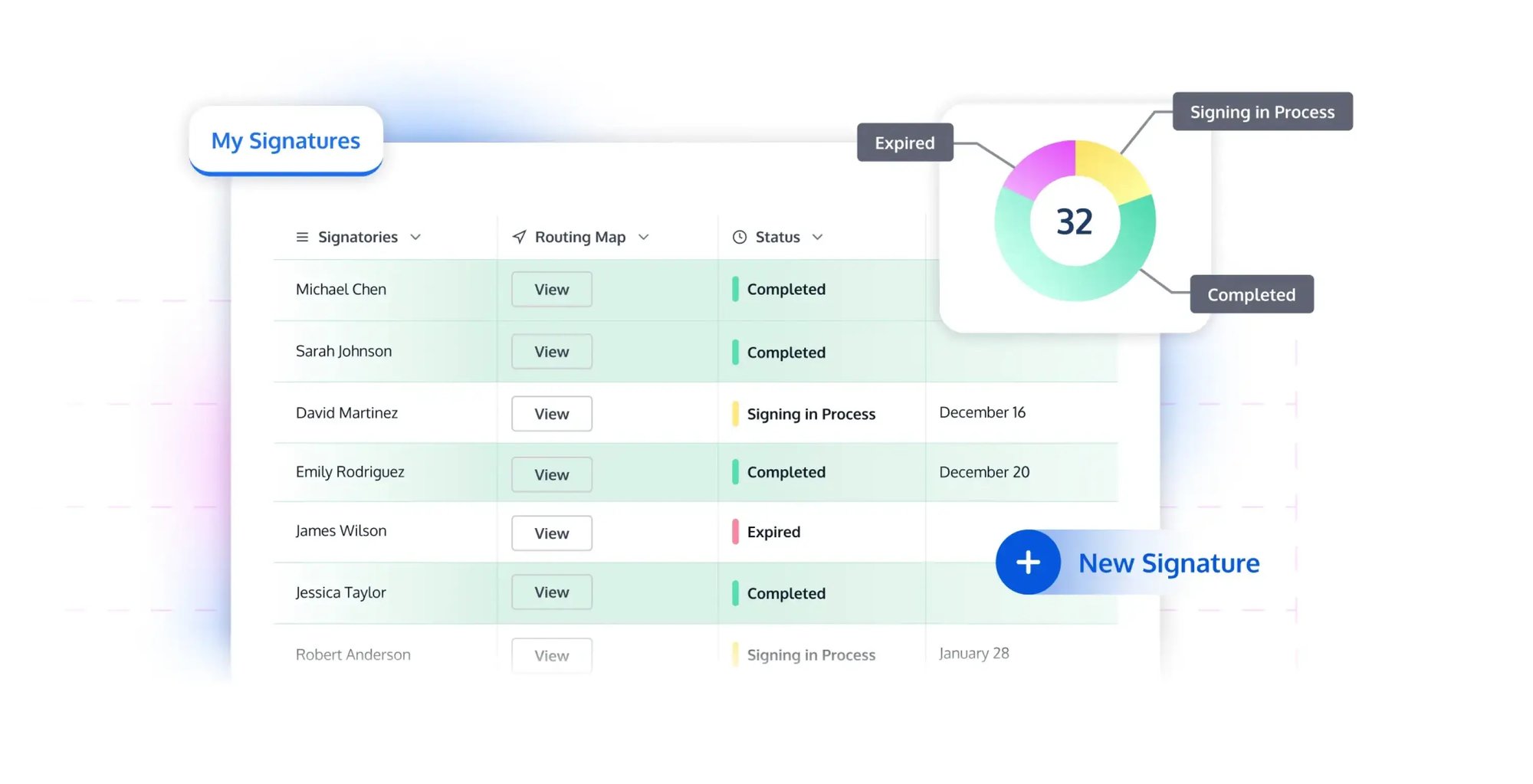
Track envelope status, signer progress, and routing history in real time
No App Switching
Eliminates separate portals or logins for a unified client experience
GATHER DATA EFFORTLESSLY, LAND IN ONE DATABASE
Smart Document Upload & Prior-Year Auto-Fill
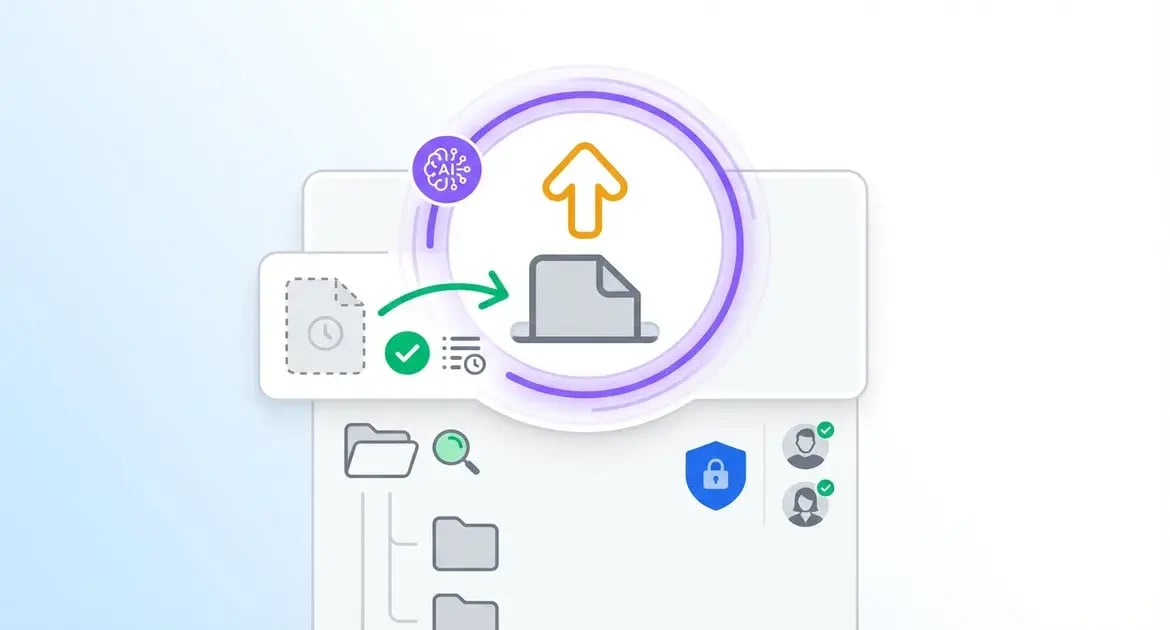
Smart Document Upload & Prior-Year Auto-Fill makes gathering client data effortless and organized. Clients see familiar prior-year forms, mark off what's not needed, request new items on the fly, and know everything lands securely in your central Database.
Prior-Year Forms Auto-Display
Clients review and e-sign letters without leaving the Tax Organizer interface
"Not Applicable" Marking
Clients easily flag irrelevant items without cluttering the workflow
Central File Cabinet Storage
All uploads stored securely in one searchable location for firm-wide access
CLOSE THE LOOP: REVIEW, SIGN, DONE
Automated Tax Return Review & E-Sign
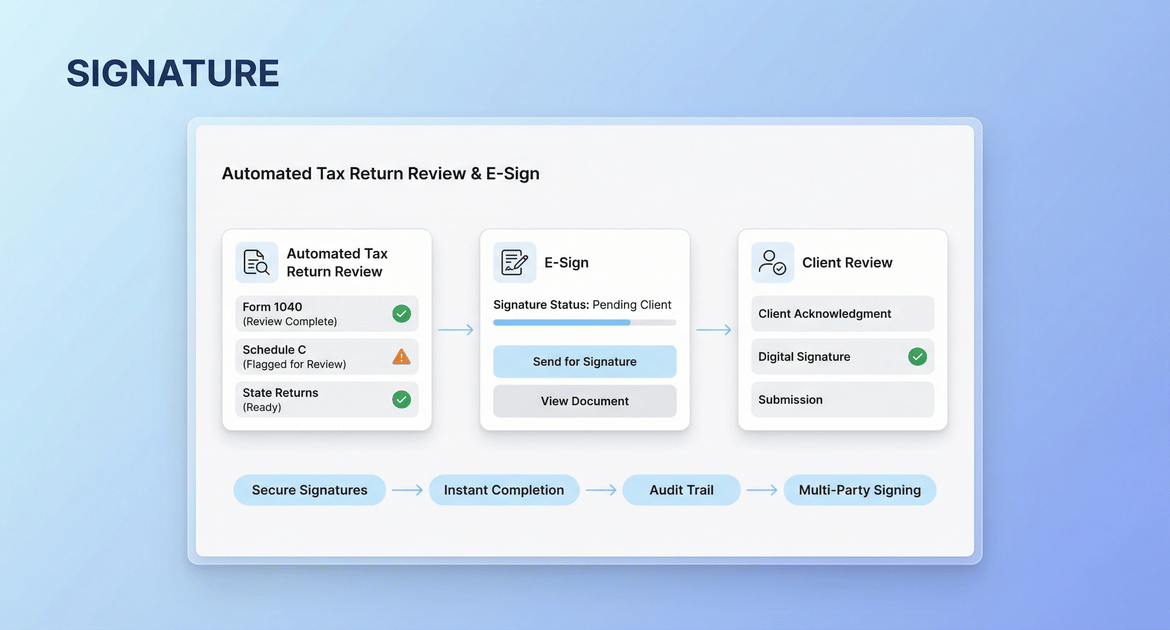
Automated Tax Return Review & E-Sign delivers returns directly into the Organizer for seamless client review. Clients handle secure signatures with guided steps and get instant completion confirmation, closing the loop without extra tools.
Embedded Return Delivery
Tax returns auto-deliver via HubSync Delivery Module, viewable directly inside the Organizer
Guided Signing Process
Walks clients through each required field until full completion. Support for multiple document types, including PDF, DOC, and DOCX
Clear Completion Confirmation
Provides instant "Signed" screen and status updates for firm tracking
READY FOR EFFORTLESS SIGNATURES?
Streamline Signing with My Signature
My Signature makes sending, signing, and tracking documents electronic and intuitive for firms and clients alike. Eliminate paper delays with flexible file support, real-time visibility, and seamless HubSync integration.
EXPLORE INSIGHTS
Unlock Expert Resources
Dive into our resources to uncover practical strategies, emerging trends, and proven approaches designed to help your firm streamline workflows and enhance the client experience.
WHITE PAPER
From Chasing Signatures to Managing Outcomes
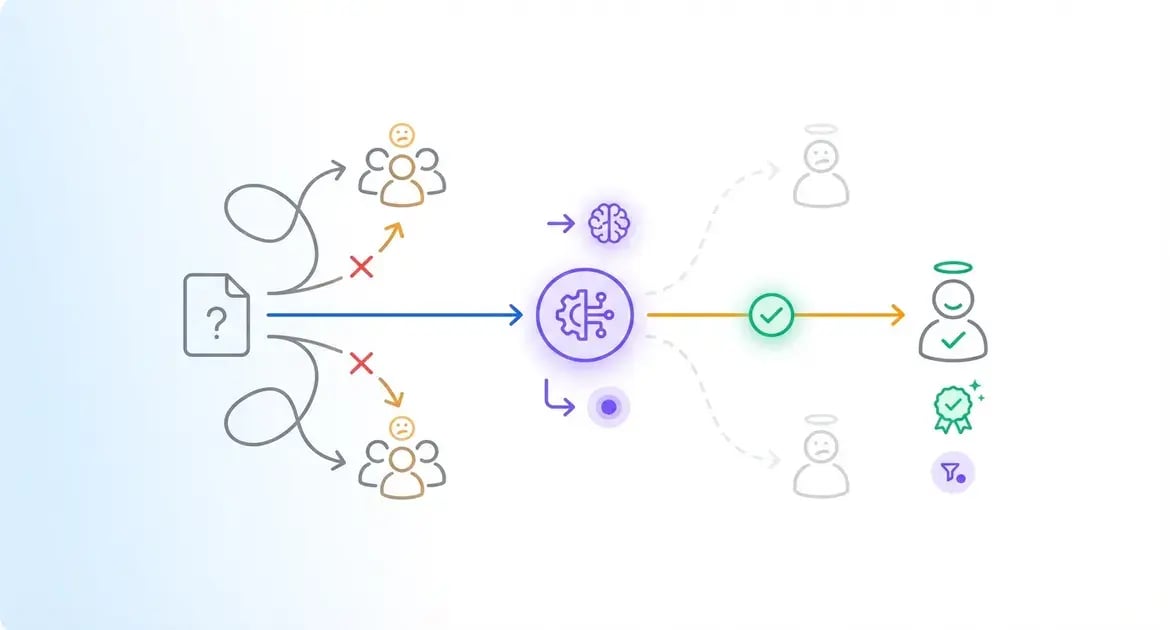
In this whitepaper, you'll see how My Signature plugs into your existing HubSync workflows to automate routing, guide clients through e-Signing and store finalized documents in one secure location.
VIDEO
Faster, Easier Client e-Signatures
See how your team can send, track, and securely store thousands of signed documents without chasing emails or logging into multiple tools.
FREQUENTLY ASKED QUESTIONS
You've Got Questions, We've Got Answers
Quick answers to learn more about our in-organizer signature and instant status updates—all tailored for CPA firms.
-
What is My Signature and how does it work with HubSync?
My Signature is a native HubSync module for sending documents for electronic signing, managing multiple signers, CC recipients, and status tracking all within the platform. It uses existing client data and storage, eliminating external tools for streamlined, auditable workflows.
-
Can I set up sequential signing and add verification steps?
Yes, envelopes support enforced signing order where each participant receives the link only after the previous one signs. Knowledge-Based Authentication can also be required for enhanced signer verification.
-
How do CC recipients stay informed during the process?
CC recipients get emails for every signature added and receive the final completed document upon envelope finalization, without needing to sign themselves.
-
Is there visibility into the signing history?
The Routing Map in the My Signatures grid logs who created the envelope, signer order, and exact dates/times of each signature for full transparency and compliance.
REQUEST YOUR DEMO
Ready to Streamline Electronic Signatures?
Unlock HubSync's My Signatures for effortless data collection, guided client workflows, and real-time collaboration—contact us now to schedule a demo.