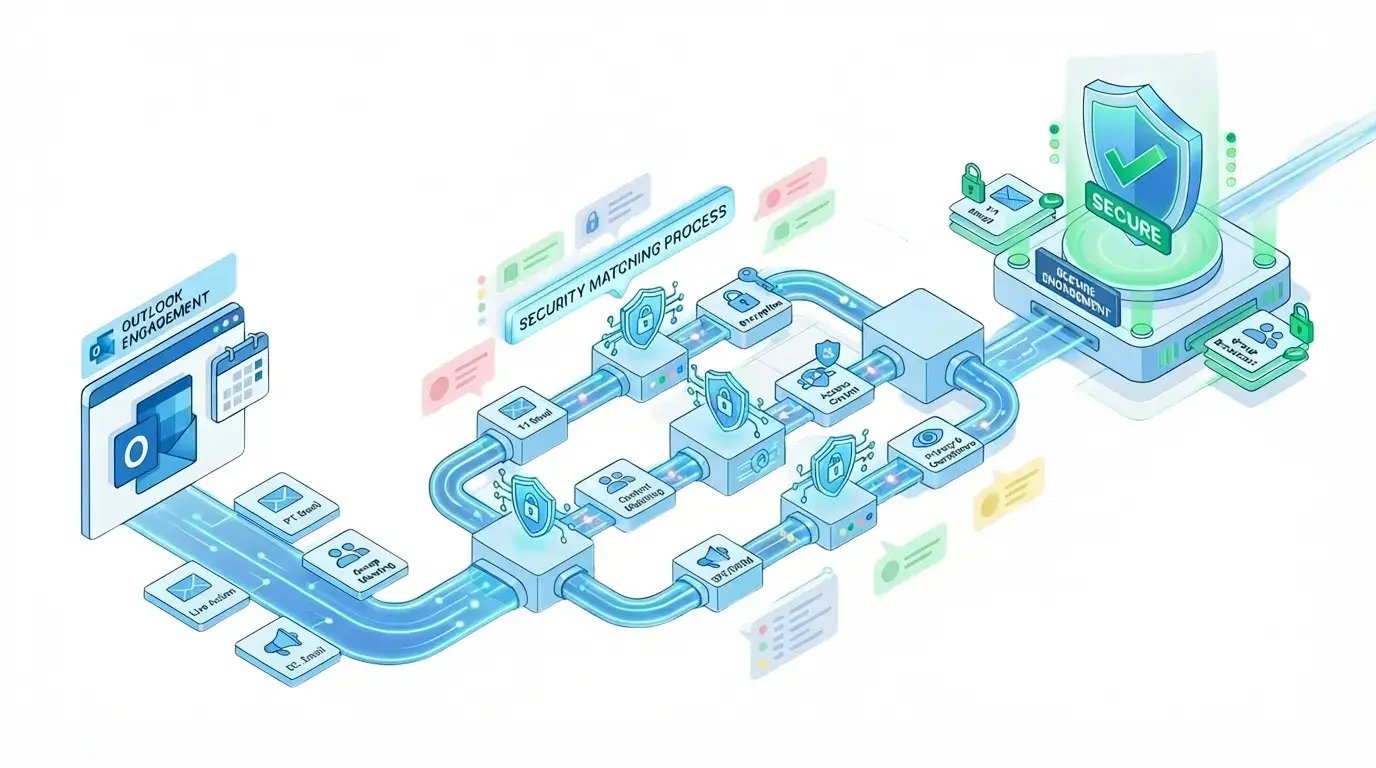
ENGAGE & GATHER > OUTLOOK PLUG IN
Bring Secure File Sharing and e-Signatures into Outlook
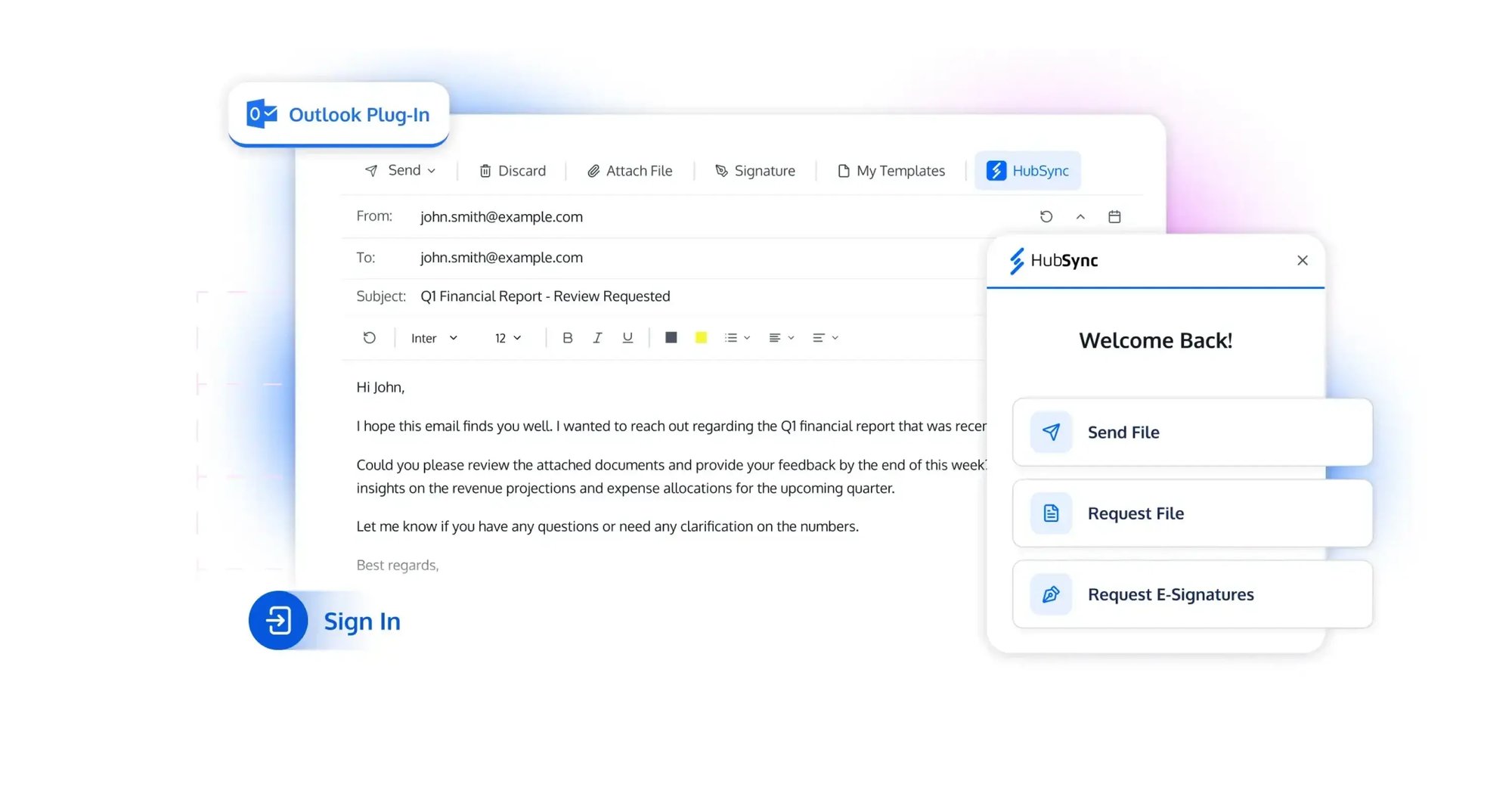
HubSync’s Outlook Plug-In embeds Send File, Request File, and Request e-Signatures directly into your email workflow, and manage secure document exchange without ever leaving Outlook.
Features
These capabilities turn Outlook into a secure hub for sending, collecting, and signing documents, all tied directly into HubSync. Together they reduce app switching, tighten control over sensitive files, and keep client communication flowing in one familiar workflow
- Send Secure Files Without Leaving Outlook
- Streamlined File Collection to Workspaces
- Embedded e‑Signature Workflows
- Granular Access & Verification Controls
SEND SECURELY WITH LINKS YOU CONTROL
Secure File Sharing from Outlook
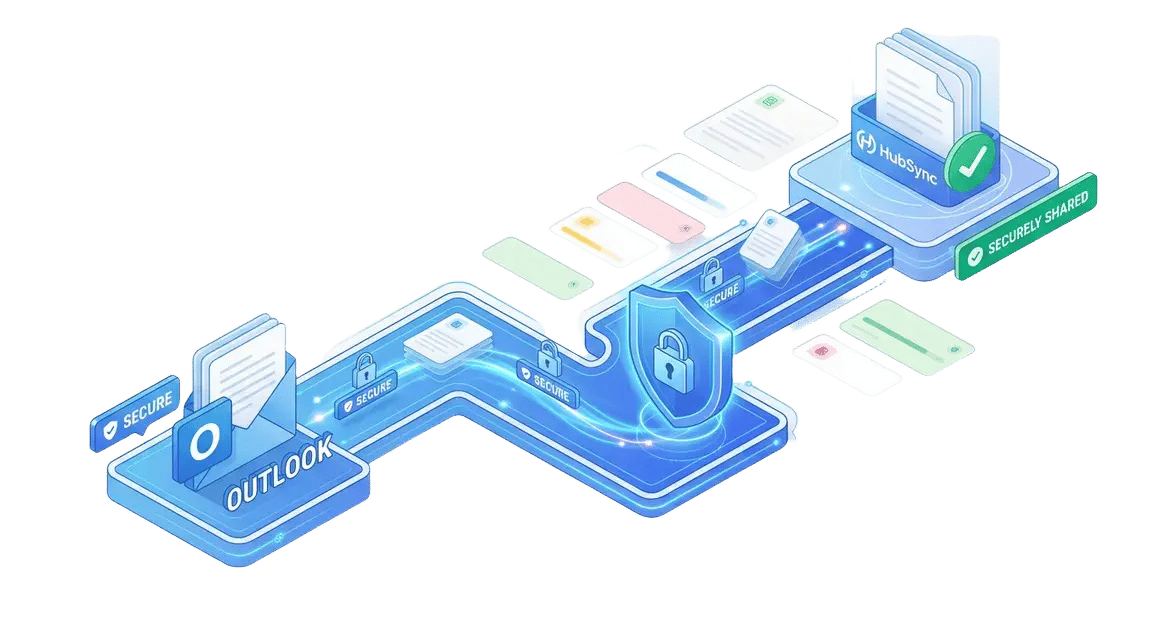
Enable staff to send files directly from Outlook using secure links, with options for password protection, expiration dates, and access notifications to keep document exchange controlled and auditable
Give Every Attachment a Secure Link
Instead of attaching files directly, generate secure links that can be dropped into the email body, reducing inbox bloat and keeping sensitive documents behind access controls
Advanced Protection Options
Apply passwords, set expiration dates, and enable open notifications so your team can match security settings to the sensitivity of each document and engagement
Centralized Audit Visibility
Track link activity and access history centrally, making it easier to support audits, resolve client questions, and prove secure handling of confidential information
ONE-CLICK, RIGHT-PLACE UPLOADS
Guided Uploads to the Right Folder
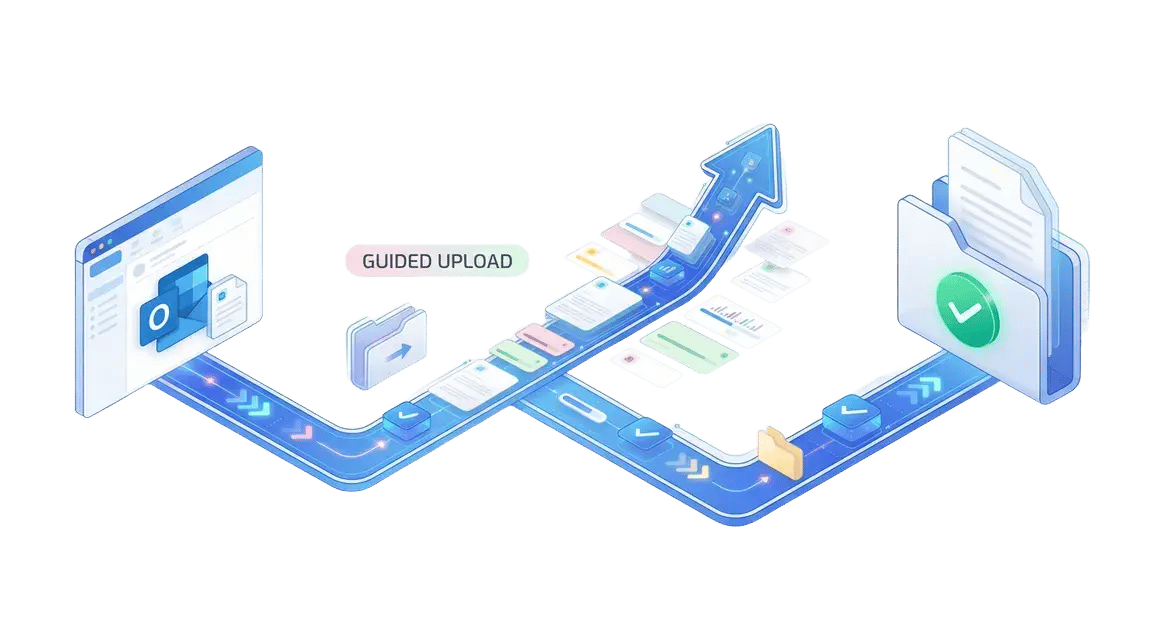
Embed upload links in Outlook that are already mapped to a specific HubSync workspace or folder, so every file lands in the right place without staff having to move or rename anything afterward
Keep Documents Out Of Desktops and Shared Drives
Clients send files straight into HubSync instead of emailing attachments that staff must download and re-upload, reducing security exposure and saving time on repetitive handling
Automatic Organization for Every Engagement
Clients send files straight into HubSync instead of emailing attachments that staff must download and re-upload, reducing security exposure and saving time on repetitive handling
OUTLOOK-INITIATED SIGNATURES
Embedded E‑Signature Workflows
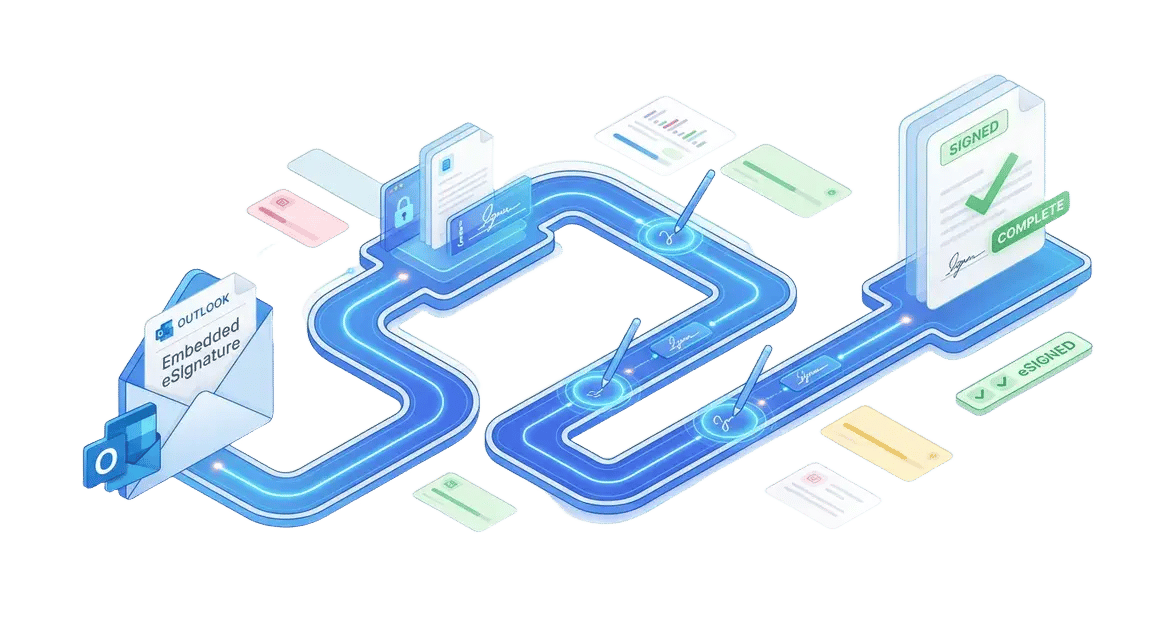
Initiate electronic signature requests from Outlook with support for multiple signers, signing order, and fields like signatures, initials, dates, and text, mirroring the capabilities available in My Signature
Configure Signers Without Leaving Outlook
Add primary and secondary signers, define the signing order, and specify who needs to sign, initial, or just receive a copy—all from the same Outlook window where you drafted the email
Place All Required Signature Fields
Drag and drop fields like signature, initials, dates, and text boxes onto the document so signers see exactly where to act, mirroring the full functionality of your existing My Signature experience
Track Signing Status in Real Time
Monitor which signers have opened, signed, or are still pending directly through the integrated workflow, helping staff nudge clients at the right time and avoid bottlenecks near filing deadlines
FLEXIBLE SECURITY
Match Security to Every Engagement
Apply three levels of access—public links, name and email collection, or passwordless secure links with one-time code verification—plus optional passwords and tracking, to align security with each client and engagement
Public Links for Quick Shares
Use "Anyone with the link" access for non-sensitive files, allowing instant viewing without logins while still tracking opens and applying optional expiration to maintain basic oversight
Name & Email Capture for Accountability
Require name and email entry before access, capturing client details for your records without passwords, ideal for routine tax document exchanges where light verification suffices
Magic Links for High-Security Engagements
Send secure, passwordless Magic Links that verify recipients through email -delivering one-time codes, combining ease of use with strong identity confirmation for confidential returns or audits
Elevate Your Outlook
Workflow Now
HubSync’s Outlook Plug-In transforms email into a secure powerhouse for file sharing, client requests, and e-signatures—all without leaving Outlook or compromising control
EXPLORE INSIGHTS
Unlock Expert Resources
Dive into these resources to uncover practical strategies, emerging trends, and proven approaches designed to help your firm streamline workflows and enhance the client experience.
WHITE PAPER
Connect HubSync to the Inbox
Connect Outlook directly to HubSync, letting professionals securely send, request, and organize client documents from their inbox. Emails and attachments flow into HubSync workspaces, cutting manual steps and email gaps. Firms see faster turnarounds, fewer misses, and full audit trails.
VIDEO
See OPI In Action
See how the HubSync Outlook Plug-in lets your team send and request files, track status, and keep client work moving—without ever leaving the inbox.
FREQUENTLY ASKED QUESTIONS
You've Got Questions, We've Got Answers
Below are answers to common questions about how the Outlook plug-in fits into your daily workflow and safeguards client data.-
How does the plug-in improve my workflow?
By keeping file send, request, and e-signature actions inside Outlook, the plug-in eliminates application switching, speeds up response times, and reduces the risk of errors.
-
Is document exchange secure when using the plug-in?
Yes. All files sent, requested, and signed through the plug-in use the same secure, compliance-ready document exchange as the main platform, helping protect sensitive client data.
-
Where do the files ultimately reside?
All files get automatically routed to client workspaces which allows for audit visibility, eliminates attachment sprawl, and prevents files from living in individual inboxes and hard drives.
LIVE STATUS IN OUTLOOK
Supercharge Outlook for Tax Teams
Bring real-time client status, document links, and tax workflow updates directly into your inbox—no app switching required. Log emails, track opens, and stay in sync with Gateway and tax tracking.